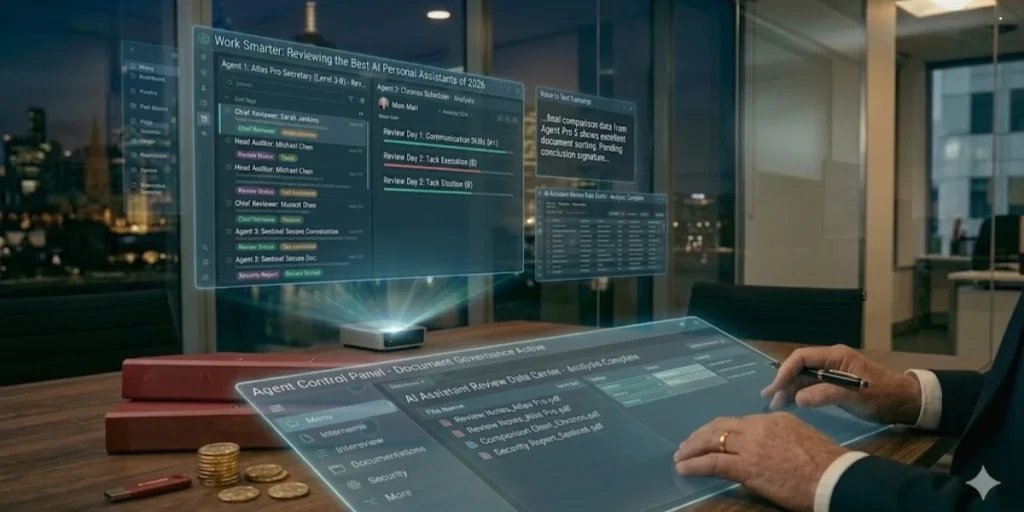
The terminology matters more than you might think. A chatbot can tell you what to do. An agent does it. The distinction between a chatbot and the best AI personal assistant separates systems that require constant prompting from those that work continuously toward defined goals without human intervention. AI agents operate autonomously, executing tasks across voice, chat, and document channels while maintaining context and taking action. They don’t just understand what a customer needs; they complete the entire workflow from diagnosis through resolution.
The architecture differs fundamentally. Agents combine large language models with proprietary reasoning engines, workflow orchestration layers, and deep enterprise integrations. When someone calls about a billing discrepancy, an agent pulls the account history, identifies the error source, processes the correction, updates the billing systems, and confirms the resolution without human involvement. This reasoning loop includes four phases: observe, reason, act, and evaluate. The agent receives messages along with conversation history, decides what to do next, generates structured function calls, and reviews whether the task is complete or requires another step.
Memory distinguishes agents from their predecessors. Agents retain context across sessions, days, and tasks. Most agent failures aren’t model failures; they’re memory failures because the agent didn’t know enough context to make a good decision. An agent configured to monitor server SSL certificates connects every 24 hours, reads the certificate expiry, compares it with the current date, and sends alerts when the expiry falls within 3 days. No manual checking required.
Autonomous Admin: Letting an AI Assistant Handle Your Scheduling and Emails
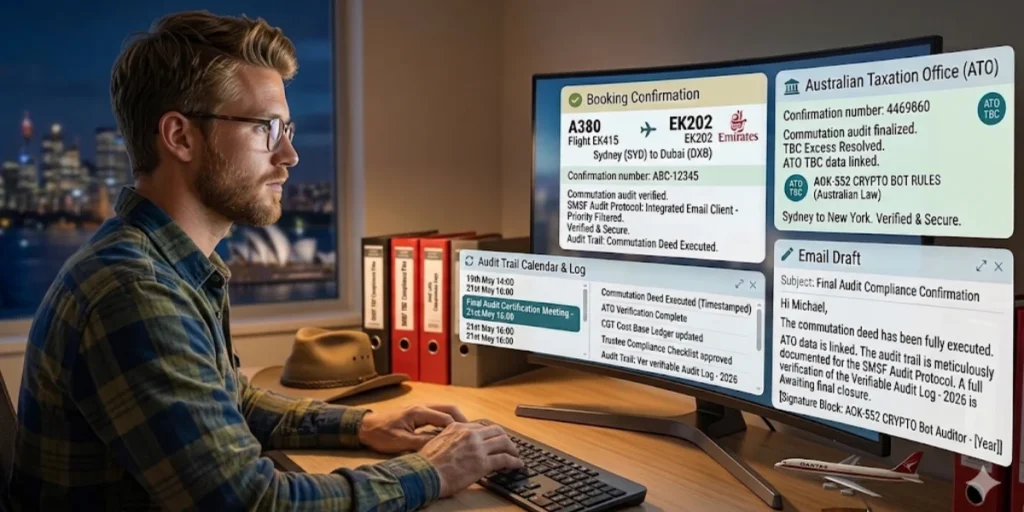
AI scheduling uses artificial intelligence, APIs, and calendar logic to automate appointment booking without human intervention. Modern implementations include AI receptionist flows that greet inbound leads, ask qualifying questions, and book meetings based on responses. The AI converses naturally via chat, email, or phone, extracting intent and scheduling immediately. Automated qualification scores lead before booking, giving high-value prospects priority scheduling with senior representatives, whilst low-fit inquiries receive polite redirects to self-service resources.
Email automation has evolved beyond simple forwarding rules. AI-powered email automation places an agent between the trigger and the action, understanding message intent, urgency, and content before triggering downstream applications. Instead of manually compiling spreadsheets every morning, an agent can send daily or weekly metrics directly to managers’ inboxes. After every customer conversation, an agent automatically emails clients a summary with transcripts, resolutions, and next steps. The typical office worker receives 121 emails every day and spends 11.7 hours every week dealing with emails. One documented case showed an agent handling 847 emails over seven days with 94 per cent categorisation accuracy, reclaiming three to four hours weekly.
Privacy First: Which Assistants Keep Your Data Secure in 2026?
Over 40 per cent of workers have shared sensitive information with AI. The question isn’t whether assistants collect data but what happens to that data afterwards. Some AI assistants keep prompts indefinitely; others use them to train future models; a few may pass them to third-party systems for processing.
Anthropic’s Claude introduced a default opt-in model for training data in late 2025. If users didn’t explicitly opt out by September 28, 2025, their silence was taken as permission. From that point, chats, code, and conversations may be used to train future models and stored for up to five years. OpenAI’s ChatGPT stores content by default, logs metadata, and makes deletion rights opt-in rather than automatic. Google’s Gemini shares data within its ecosystem to support integration with Workspace and Cloud tools, with human reviewers reading, annotating, and processing conversations.
Microsoft’s Copilot operates under different assumptions. It doesn’t store the code it sees, doesn’t reuse it for training, and offers settings that push telemetry collection close to zero. The platform meets FedRAMP, HIPAA, and SOC data protection standards. Privacy-first alternatives like Confer use end-to-end encryption, ensuring that conversations are encrypted so that nobody else can see them, combining confidential computing with passkey-derived encryption. Duck.ai operates with anonymous sessions, whilst Proton Lumo provides encryption with no logging. Every major provider encrypts data in transit using TLS 1.2+ and at rest with AES-256, but encryption alone doesn’t address how data is used after collection.
Top 3 Best AI Personal Assistants Reviewed for 2026
Three AI assistants stand apart in execution capability, each optimised for distinct workflows.
OpenAI Operator: The Best for Web-Based Tasks
The operator executes browser-based tasks through a remote environment hosted on OpenAI’s servers rather than on the user’s device. Powered by the Computer-Using Agent (CUA) model, which combines GPT-4o’s visual capabilities with reinforcement learning-based reasoning, Operator scored 38.1% on the OS World and 58.1% on the WebArena benchmarks. Human performance on these same tests reached 72.4% and 85.5%, respectively.
The system handles form completion, grocery ordering through Instacart, restaurant reservations via OpenTable, and travel booking on Priceline. Tasks run in parallel, allowing simultaneous grocery ordering whilst booking dinner reservations. When encountering login credentials or payment details, Operator transfers control to the user and doesn’t capture screenshots during takeover mode. The AI assistant requests confirmation before finalising orders or sending emails.
Access requires a ChatGPT Pro subscription at AUD 305.80 per month, currently available only to US users. OpenAI plans to expand to the Plus, Team, and Enterprise tiers.
Anthropic Claude ‘Computer Use’: The Professional’s Choice

Claude’s computer use operates locally on macOS devices through the Cowork desktop application. The connector-first architecture prioritises API integrations over screen control, using direct Gmail connections rather than clicking through interfaces. Screen automation activates only when no connector exists.
On OSWorld, Claude 3.5 Sonnet achieved 14.9% in screenshot-only evaluation, nearly double the next-best system’s 7.8%. The feature opens applications, navigates interfaces, fills forms, and manages files with approximately 50% success rates on routine tasks. Each browser action costs roughly AUD 0.02.
Claude Pro subscribers pay AUD 25.99 annually or AUD 30.58 monthly, with Max plans at AUD 152.90 (5x usage) and AUD 305.80 (20x usage) per month. The macOS-only limitation restricts deployment.
Rewind AI (2026 Update): The Perfect ‘Digital Memory’ for Seniors
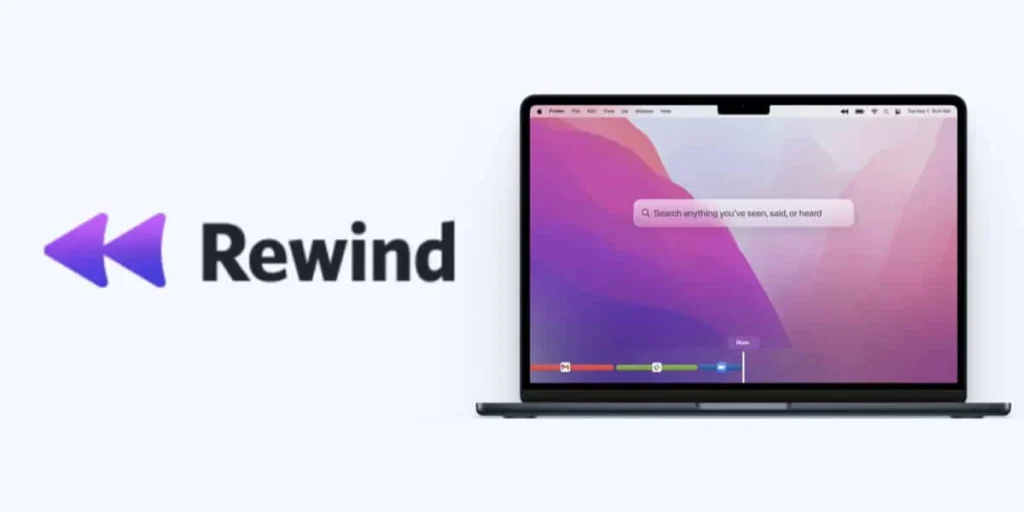
Rewind captures screen activity, meetings, and audio locally without uploading to the cloud. The compression engine stores approximately 14GB monthly, with all data remaining on the user’s device. Meeting recordings work across Zoom, Meet, and Teams without adding visible bots.
The Ask Rewind feature, powered by GPT-4, searches captured content and generates summaries, emails, or reports from recorded information. One documented case demonstrated the generation of human-level meeting summaries by automated note-taking. Users can search for any on-screen text in compressed recordings using optical character recognition.
Pricing ranges from AUD 29.05 to AUD 44.34 per month, with no annual or lifetime options. Rewind operates on macOS and iOS, with Windows support planned.
How to ‘Forge’ Your AI Assistant: Setting Up Your First AI Agent
Building your best AI assistant begins with API connections rather than complex coding. Google Cloud Console provides OAuth2 credentials for Gmail and Calendar access, whilst OpenAI supplies the reasoning engine. Create a project, enable both APIs, generate OAuth2 client credentials, and add your Gmail account as a test user. The cost structure runs approximately AUD 18.35-15 monthly: Gmail, Google Calendar, Notion, and Slack operate on free tiers, OpenAI API credits cost AUD 7.64-10 (lasting one to three months), and Make.com starts from AUD 13.76 per month. This compares favourably against AI agent services charging AUD 30.58-50 monthly.
Node.js implementations require the OpenAI, Google APIs, and dotenv packages. Store API keys in .env files rather than version control. The OAuth2 flow generates access tokens, which authenticate each API request without exposing credentials. Security defaults matter: agents should have limited permissions, no free-form actions, encrypted data handling, and full auditability.
Connectivity: Linking Your Email, Calendar, and Bank (Safely)
Make.com’s architecture functions as a coordination layer connecting AI reasoning to actual applications. System prompts define agent behaviour: which actions it performs, which tools it accesses, and when confirmation is required versus when immediate action is required. For instance, productivity agents receive instructions like ‘You manage email, calendar, and tasks. You only act when explicitly instructed. You always confirm before sending emails or deleting events.
Tools represent Make scenarios that the agent calls to execute actions. Individual modules handle single operations, such as ‘Search Gmail’ or ‘Create Google Calendar Event’, whilst complete scenarios manage multi-step workflows, such as triaging yesterday’s emails and sending digests. When instructed to find tasks due this week and change due dates, the agent recognises the Notion connection, calls the search tool, retrieves task details, updates each item, and reports back via Slack.
The calendar API requires JSON objects containing summary, description, start/end times, timezone, and attendees. For meetings rather than regular events, set conferenceDataVersion=1 to automatically generate Google Meet links. Attendee emails get added to requests with sendUpdates=’all’ triggering automatic invitations.
Conclusion: Best AI Personal Assistant
AI agents have moved past basic chatbots to execute complete workflows autonomously. The distinction matters: these systems handle scheduling, emails, and browser tasks without constant supervision. Privacy remains critical, with assistants ranging from data-hungry to encrypted-by-default. Operator excels at web automation, Claude prioritises professional integrations, and Rewind offers local-first memory. At least for now, building custom agents using the Make.com and OpenAI APIs provides comparable functionality at lower cost whilst maintaining control over data and behaviour.
Once you have an AI assistant handling your daily schedule, the logical next step is exploring How to Identify Safe Crypto AI Agents Australia: A 2026 Security Guide.
What distinguishes an AI agent from a traditional chatbot in 2026?
An AI agent autonomously executes complete tasks from start to finish, whilst a chatbot simply provides information or suggestions that require you to take action. Agents operate continuously with autonomous reasoning, maintaining context across sessions and handling entire workflows—from scheduling meetings to processing billing corrections—without constant human intervention.
How much does it cost to build a custom AI personal assistant?
Building your own AI assistant through platforms like Make.com and OpenAI APIs costs approximately AUD 18.35-30 monthly. This includes free tiers for Gmail, Google Calendar, and Slack, AUD 7.64-10 for OpenAI API credits (lasting one to three months), and Make.com subscriptions starting from AUD 13.76 per month. This is considerably less expensive than commercial AI agent services, which charge AUD 30.58-50 monthly.
Which AI assistants prioritise data privacy and security?
Privacy-focused options include Microsoft Copilot, which doesn’t store or reuse code for training and meets FedRAMP and HIPAA standards. Confer uses end-to-end encryption with passkey-derived security, whilst Duck.ai operates with anonymous sessions, and Proton Lumo provides encryption with no logging. Rewind AI stores all data locally on your device, without uploading to the cloud, making it particularly secure for sensitive information.
Can AI assistants handle email management effectively?
Modern AI assistants can significantly reduce email workload. One documented case showed an agent handling 847 emails over seven days with 94 per cent categorisation accuracy, reclaiming three to four hours weekly. These systems understand message intent and urgency, automatically categorise emails, send daily metrics summaries, and generate post-conversation summaries with transcripts and next steps—all without manual intervention.
What are the best AI personal assistants for different use cases in 2026?
OpenAI Operator excels at web-based tasks like form completion and online booking, though it requires a ChatGPT Pro subscription at AUD 305.80 monthly. Anthropic Claude’s ‘Computer Use’ is ideal for professionals who need API integrations with Gmail and productivity tools, available for AUD 25.99 annually. Rewind AI suits those wanting local-first digital storage for meeting recordings and screen captures, priced between AUD 29.05 and 44.34 per month.