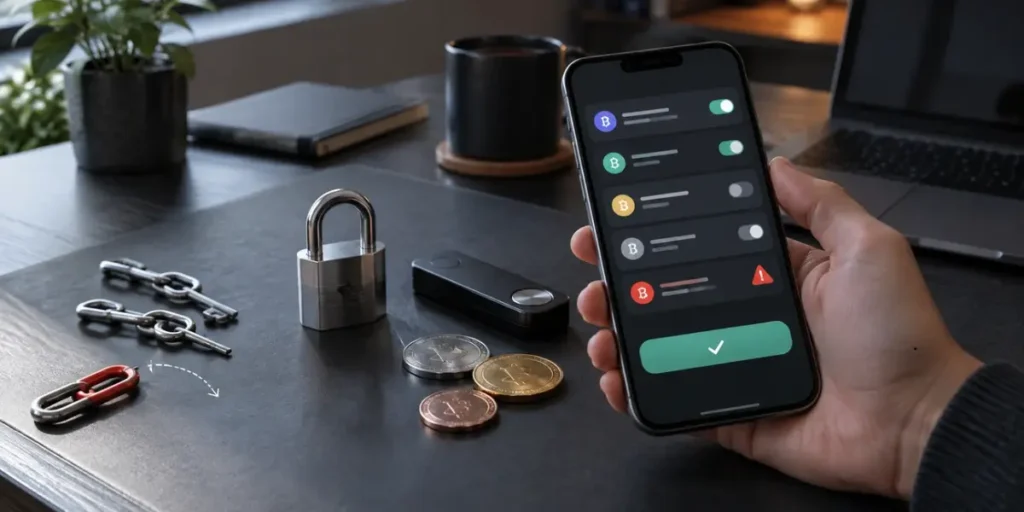
Revoke token approvals before a forgotten permission becomes an open door to a crypto wallet. Smart contract permissions can remain active indefinitely, even after someone leaves an app, and unlimited allowances may let a malicious contract spend approved tokens without another confirmation. Chainalysis tracked at least $1 billion in cryptocurrency stolen through approval phishing during the period it studied.
This guide shows readers how to revoke tokens, how to revoke crypto approvals and revoke token access safely. It also explains smart contract approval risk, from identifying old allowances to checking each transaction and reducing future exposure. Accordingly, they can review their wallets with greater confidence and remove permissions they no longer need.
Step 1: Understand What Access Your Wallet Has Granted
Separate Wallet Connections from Token Spending Permissions
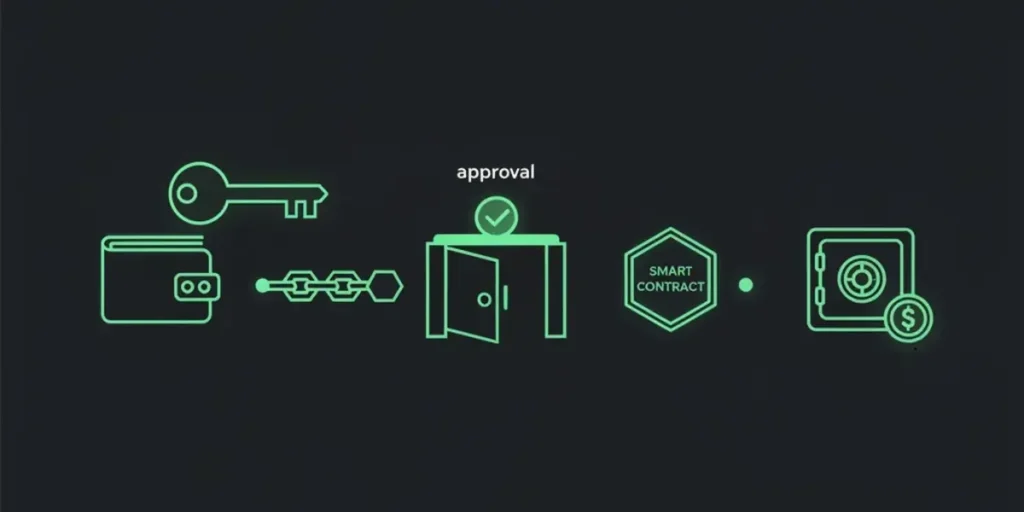
A wallet connection allows a dApp to view the public address and balances during a session. It does not give the dApp authority to move tokens. An approval is separate: the token contract records a spender and an allowance.
For example, when an owner swaps USDC for ETH, the exchange needs approval to take USDC and complete the trade. After confirmation, its contract can use transferFrom to move only that approved token, up to the stated amount. It cannot draw ETH or another token through that particular approval. Legacy approvals require an onchain transaction, whereas Permit2 can use a signed message containing a token, spender, amount and deadline.
Old and Unlimited Approvals Put Tokens at Risk
An allowance remains recorded after the wallet disconnects from a site. Consequently, disconnecting ends an interface session but leaves spending permission in place. The spender may later transfer up to the remaining allowance without another owner confirmation. An unused approval can therefore affect tokens received later, even where the balance was zero when the approval was granted.
Unlimited approval sets an amount far beyond a wallet balance and continues until manual revocation. This arrangement reduces repeat approval transactions, although it expands smart contract approval risk: a compromised, malicious, or falsely presented spender can take the token balance covered by the allowance. A study of Ethereum approvals through July 2021 found that 60% of 25.4 million approval transactions were unlimited, while 22% of users had approved tokens at high risk of theft.
Know What Revoking Can and Cannot Protect
To revoke token approvals, the owner sends a transaction that changes the selected token and spender allowance to zero. The removal applies to that permission, rather than every asset or every application. On Solana, a token-account owner can revoke a delegate, which removes all permissions for that delegate; approving a lower amount instead reduces its limit. These actions help revoke token access while keeping custody with the owner.
Revocation prevents later transfers under an allowance, but it cannot reverse a transfer already made. Nor does it remove risk where another person holds the seed phrase or private key. A hardware wallet protects stored keys, yet an approved spender needs no key access to use active allowance. When credentials are exposed, move remaining assets to a new secure wallet; how to revoke crypto approvals addresses permissions, not keys.
Step 2: Find the Token Approvals You Should Remove
Open a Trusted Approval Checker or Your Wallet’s Approvals Screen
They can begin with a wallet’s built-in approvals screen or a recognised block explorer for the relevant network. A multi-network approval manager can also show permissions across supported chains; Revoke.cash states that it supports more than 100 networks. Typing the service address directly or using a saved official link will ensure that the correct checker opens.
Look Up Your Address on Each Network You Use
Approval records are network-specific. An Ethereum search will not show permissions created on Base, Arbitrum, Polygon, or BNB Smart Chain. They should select one network, enter the public wallet address, and inspect its results before changing networks and repeating the process.
A read-only address search works without connecting the wallet. Connecting becomes necessary only when they are ready to revoke token approvals. This approach helps them examine a hardware wallet address without immediately opening a transaction request.
Check the Token, Spender and Allowance For Each Entry
Each entry should be checked against three details:
- Token: the asset that the approval covers, such as USDC or an NFT collection.
- Spender: the smart contract authorised to move that asset. They can compare its address with the official dApp documentation or explorer record.
- Allowance: the amount available to the spender. A value of zero means no active permission remains, whereas an unusually large value commonly indicates unlimited access.
Etherscan’s Token Approvals page lists the assets approved, spender, allowance, and the time of the last update. It also shows an at-risk amount, which indicates what may be vulnerable if an approved contract is hacked.
Choose Unused, Suspicious and Unlimited Approvals to Remove
They should prioritise approvals from dApps they no longer use, contracts they do not recognise, and permissions granted after a questionable interaction. In particular, an unlimited allowance for a token held in meaningful quantities creates greater smart contract approval risk than a limited allowance.
Old permissions also deserve attention. Sorting by last update can expose approvals that have remained unused for months or years. For example, someone who tested a swap platform once and holds an unlimited USDC allowance can revoke token access while retaining control of every other token and application permission. A monthly review suits frequent dApp users; occasional users can check quarterly, then review again after using an unfamiliar service.
Step 3: Revoke Token Access and Confirm the Result
Connect the Correct Wallet and Keep Native Tokens Ready for Fees
With an identified approval, they should switch to that chain and connect the reviewed address. The account needs its native token for the network fee because revocation is on-chain.
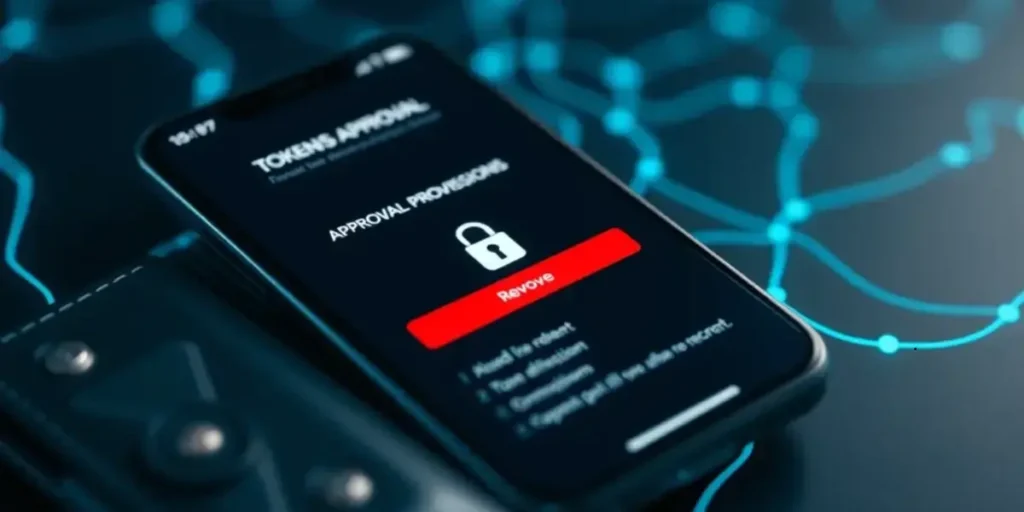
Select Revoke and Review the Transaction Before Signing
They can select Revoke beside the token and spender. The wallet displays a request. They should check the network and action before signing, which submits the allowance change.
Wait For The Transaction to Complete, then Check the Updated Allowance
After submission, they should wait for confirmation. Revocations can confirm in one or two blocks, around 12 to 24 seconds, although congestion can extend this. Refresh checker and verify the allowance reads zero or the entry has disappeared.
Resolve Failed Transactions, Pending Requests or Missing Approvals
A failed request calls for checking the selected chain and fee balance. For a pending request, wait, then refresh. If an approval is missing, inspect other networks used by that address.
Repeat for Other Tokens and Networks as Needed
They should repeat this per token and network. Each approval requires its on-chain revocation transaction and fee. This is how to revoke crypto approvals and reduce smart contract approval risk.
Step 4: Reduce the Risk of Future Token Approvals
Approve The Amount Needed and Read Each Signing Request
For future dApp transactions, owners can set a cap equal to the planned trade or deposit. They should inspect each wallet prompt for token, amount, spender and network before approving. A signature request that shows token details is an authorisation, not automatically a login. Permit2 requests show a deadline, which should match the intended action.
Review Approvals After Heavy dApp Use or a Reported Exploit
After a period of frequent trading, minting, staking or lending, they should review active permissions. Equally, a reported exploit affecting a service they used calls for an immediate check and, where appropriate, action to revoke token access. This directly reduces smart contract approval risk. Regular audits show how to revoke crypto approvals and revoke tokens from unused spenders.
Move to a New Secure Wallet if Your Seed Phrase or Private Key is Exposed
If a seed phrase or private key is exposed, they should create a new wallet with a fresh seed phrase on a clean device, transfer remaining assets, and stop using the old address.
Related Article: How to Start Ethereum Staking: A Plain Guide for Beginners in 2026
Conclusion – Revoke Token Approvals
Token approvals are useful for trading and using dApps, but forgotten permissions can expose valuable assets. By checking each network, reviewing spenders and removing unused or unlimited allowances, they can keep control of their tokens. With this in mind, regular approval reviews and careful signing habits reduce smart contract approval risk. If a wallet’s recovery phrase is exposed, moving assets to a new wallet remains essential.
What happens when you revoke a token approval?
Revoking sets a specific token’s spending allowance for a contract to zero, preventing further transfers under that permission. It does not reverse completed transfers or remove other approvals.
How can I revoke token approvals using MetaMask?
Connect your MetaMask wallet to a trusted approval checker, such as Revoke.cash or Etherscan’s Token Approvals tool. Select the correct network, find the approval and choose Revoke. Review and confirm the transaction, then check that the allowance is zero.
Does revoking token approvals cost anything?
Yes. Each revocation requires an on-chain transaction and a network fee, paid in that network’s native token. The cost varies with the network and congestion.
When should I remove a smart contract’s token access?
Remove approvals for dApps you no longer use, unfamiliar contracts or suspicious interactions. Prioritise unnecessary unlimited allowances and review permissions promptly after a reported exploit.